
 View full size ↗
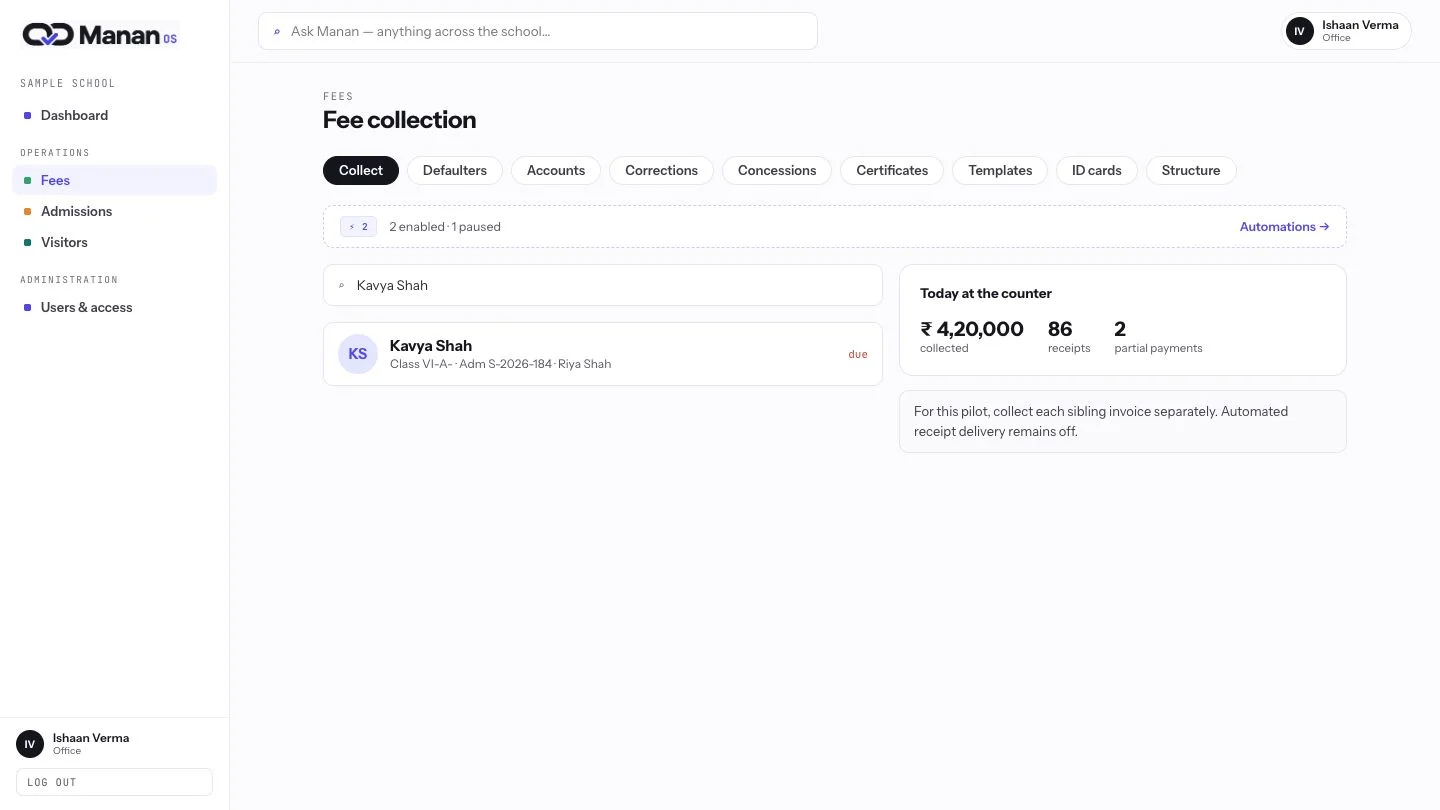
Find the right student
At the fee counter, find a student once and keep the school and guardian context beside the collection. The desk starts from a shared record.
Keep every receipt, correction and close explainable.
View full size ↗At the fee counter, find a student once and keep the school and guardian context beside the collection. The desk starts from a shared record.
 View full size ↗
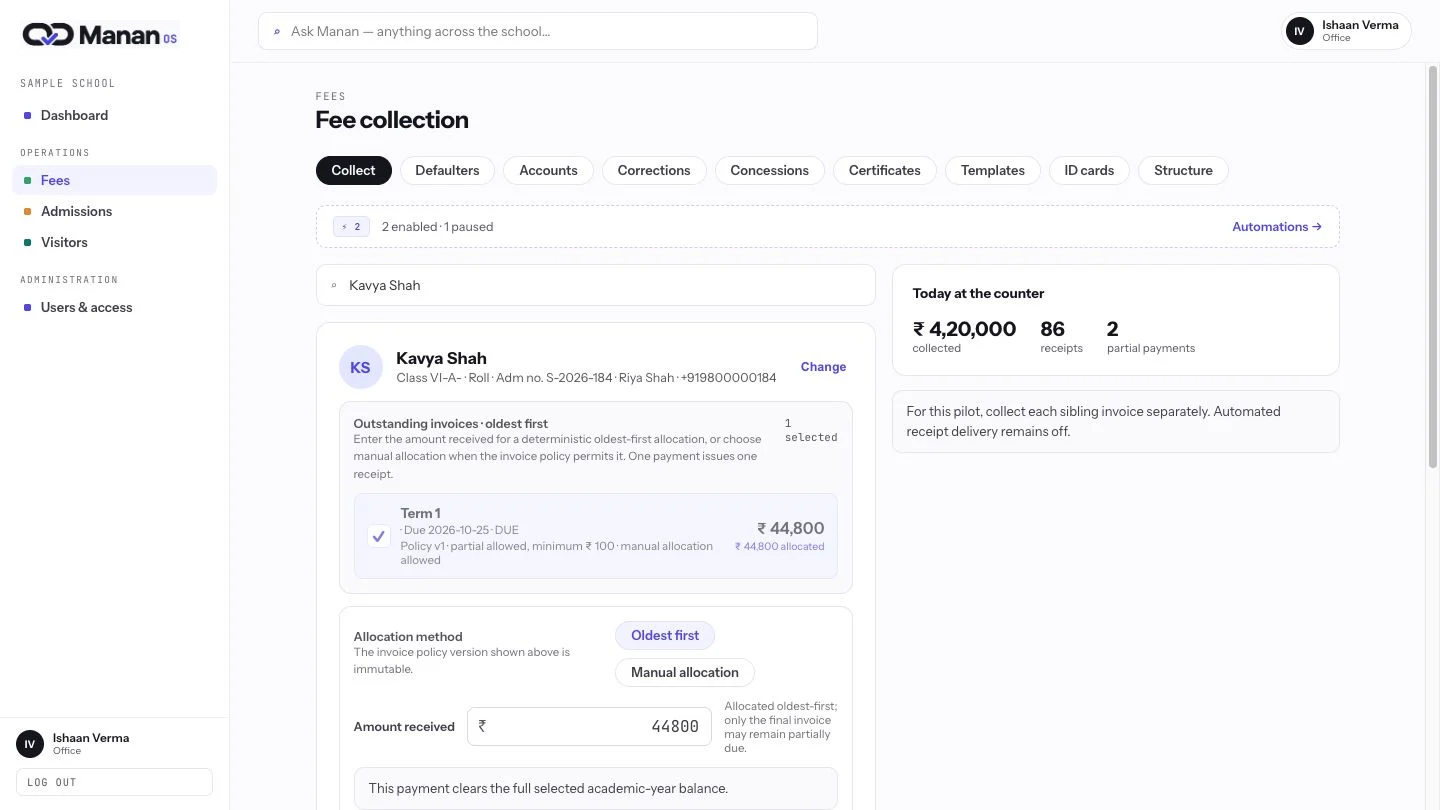
Review outstanding invoices, the amount received and the permitted allocation method together. Partial collection follows the invoice policy, keeping the remaining balance clear for staff.
 View full size ↗
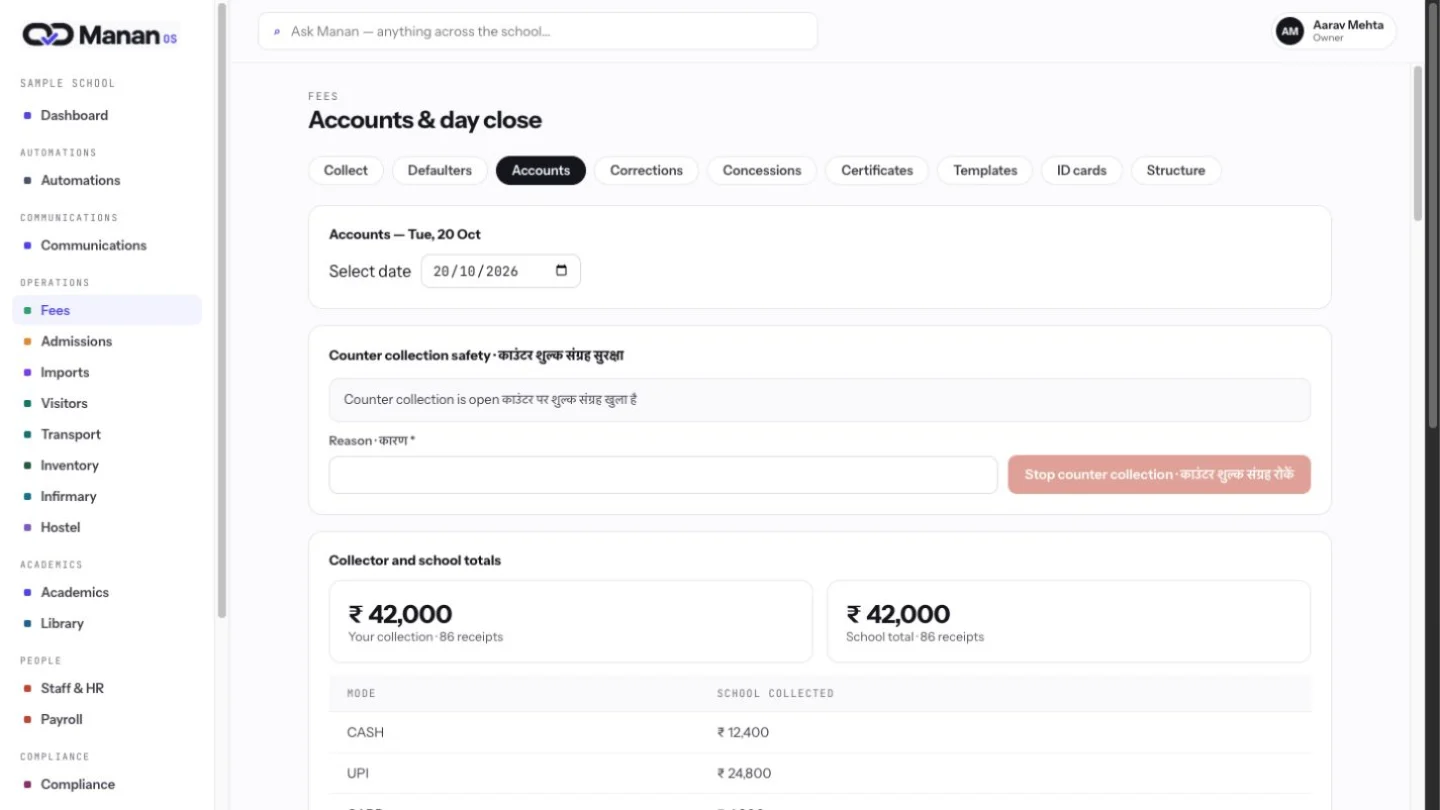
Accounts brings collection evidence and the day-close workflow together. Declared totals and the review boundary help the school reconcile its counter work with an accountable record.
 View full size ↗
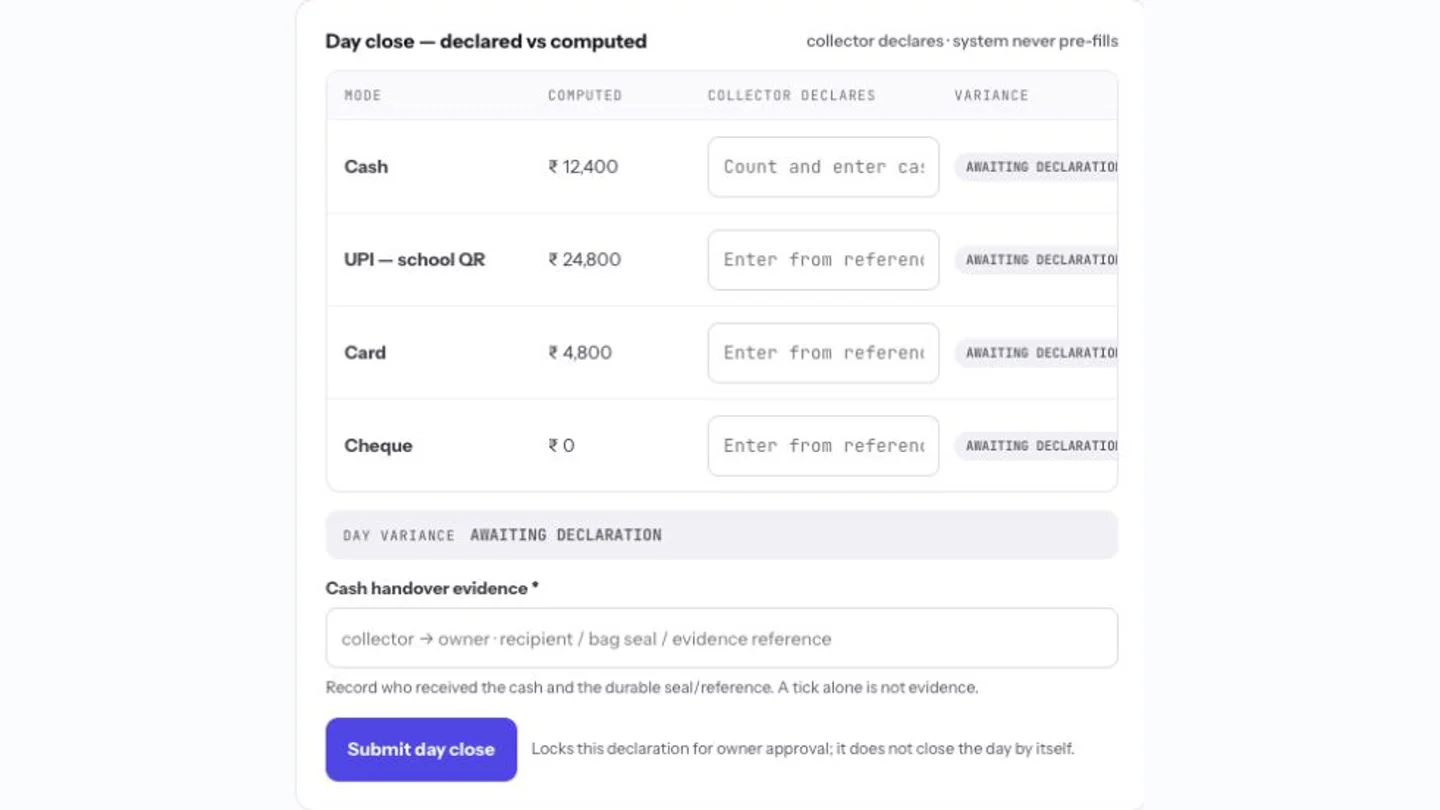
Compare computed payment totals with the collector’s own declaration. The form keeps cash handover evidence and owner approval in the same review boundary; this sample declaration has not been submitted.
