
One school. Every team in sync.
One ERP connects admissions, fees and daily operations. AI and automation prepare the next step, your team approves it, and records move forward.

- AI prepares
- You approve
- Work moves forward
AI connects the work. People approve each step.
Animation unavailable.See it in action.
Choose a workflow. Follow the work across teams.
From application to enrolment.
Review the application. Carry its context into the student record and first invoice.
Clearer admissions follow-up, with the record in view.
Watch the narrated workflow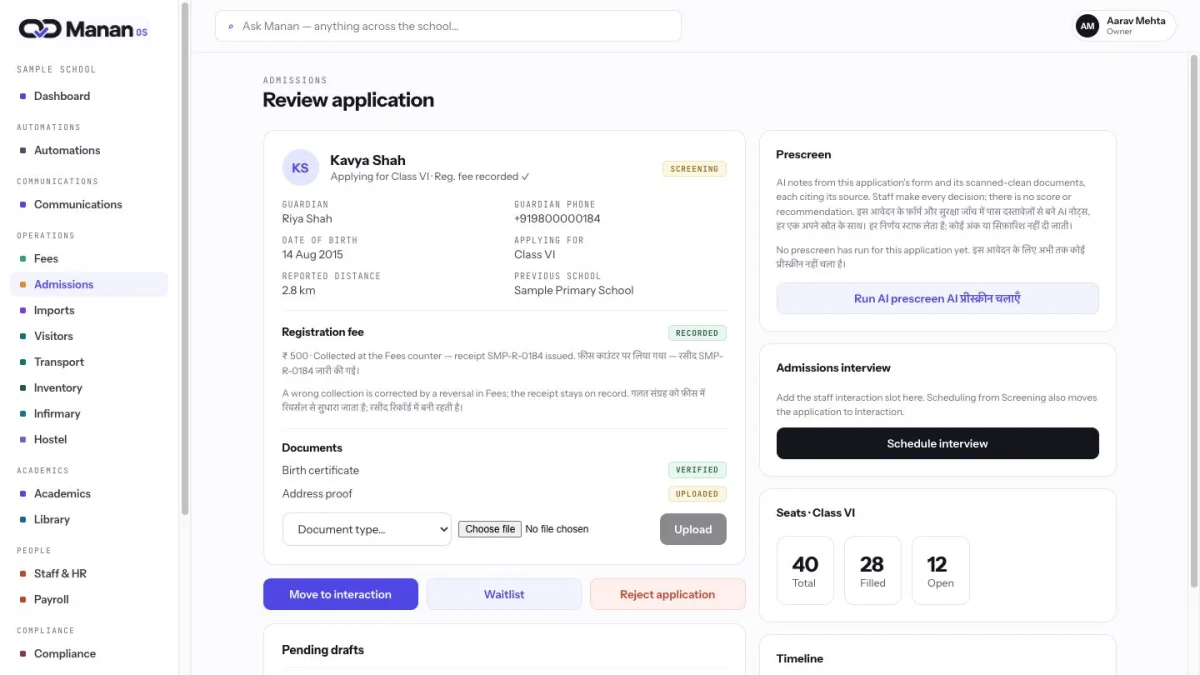
From fee exception to day close.
Follow a receipt discrepancy through a reviewed correction and into the day-close record.
The source, approval and result stay connected.
Watch the narrated workflow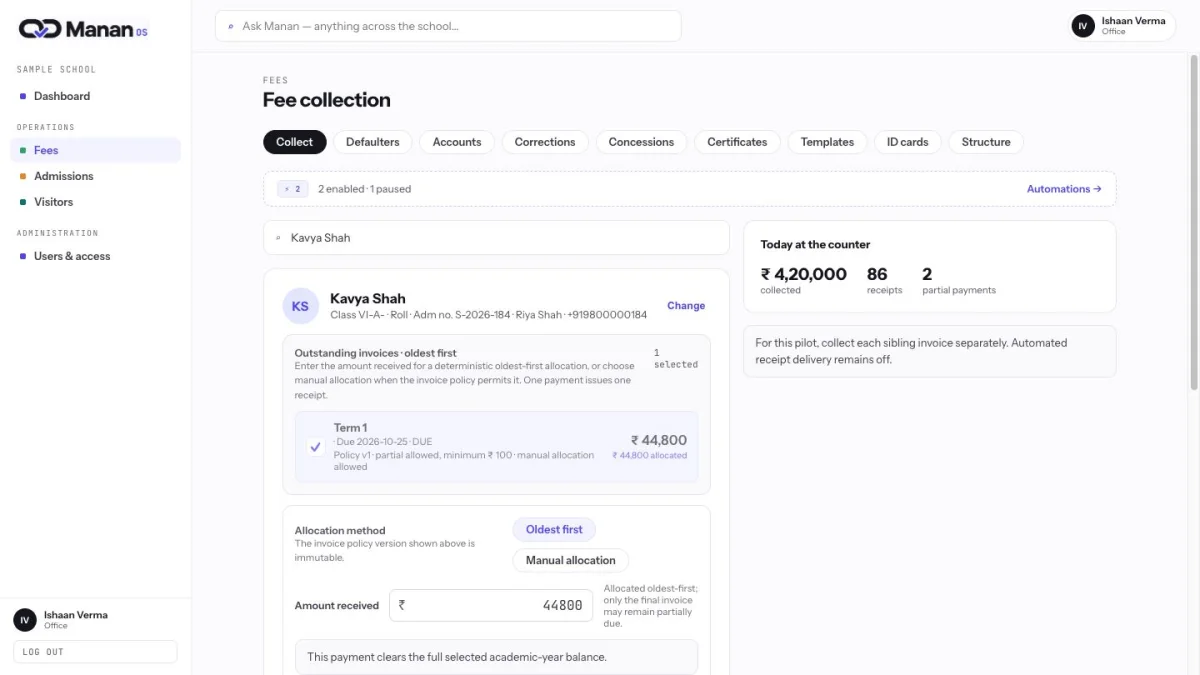
One school day. Connected teams.
Keep attendance, pickup and transport records in reach of the team handling the next step.
Each team works within its role.
Watch the narrated workflow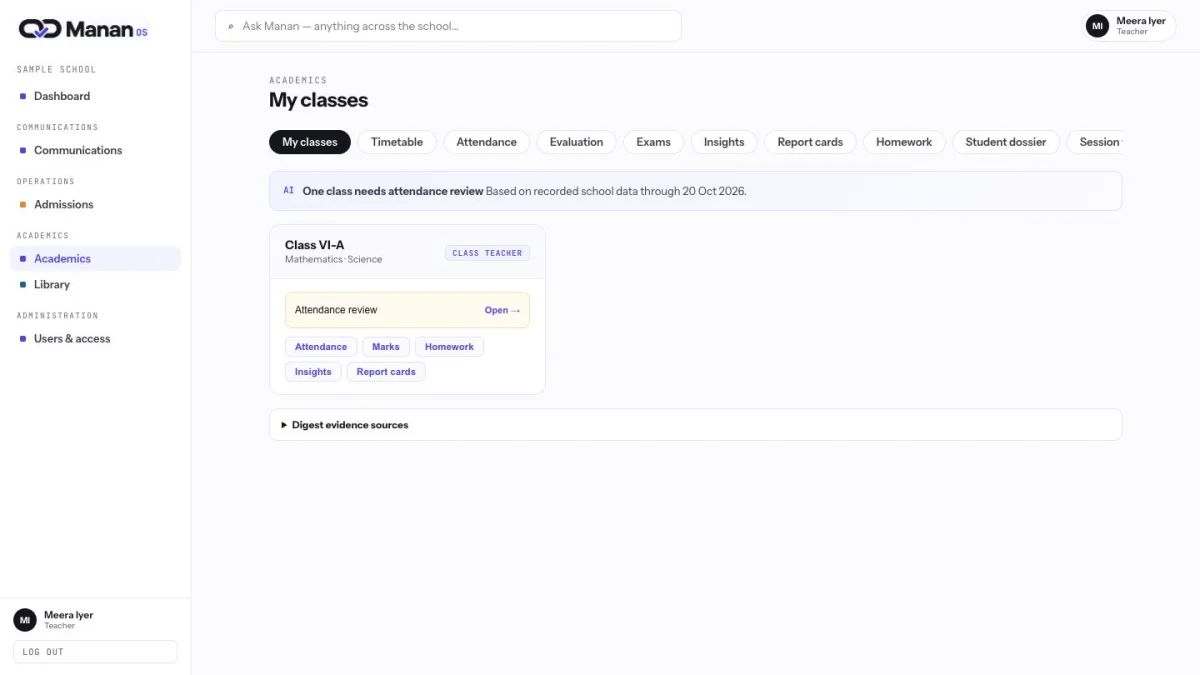
From source record to reviewed action.
AI prepares an internal follow-up list. Your team reviews the next action and retains its evidence.
Every automation needs human approval.
Watch the narrated workflow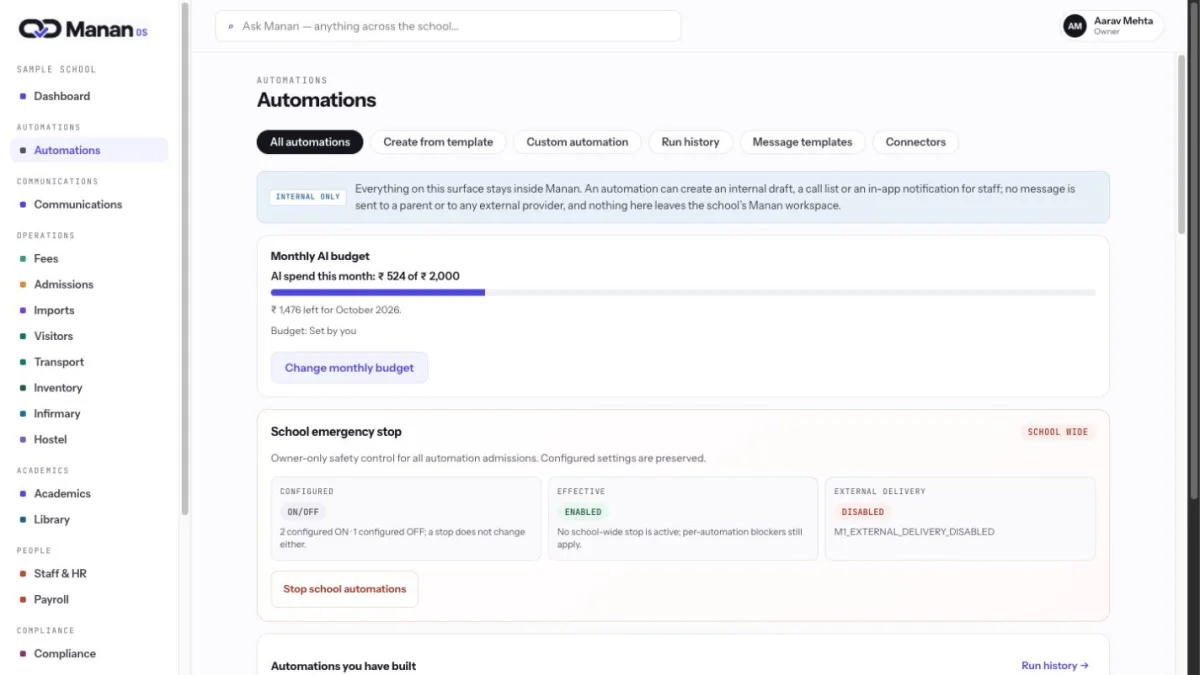
AI prepares. Your team approves.
Human approval at every tier. Independent review for critical work.
Spend limits. Emergency stop. A record of every decision.
Workflow examples
Connect a trigger, a human review and a recorded result. Every automation follows “Ask approval, then execute.”
Missing admission document
- Trigger
- Required document missing
- Human review
- Staff reviews the chaser draft
- Recorded result
- Draft and decision stay in the application record
Fee follow-up
- Trigger
- Outstanding invoice needs review
- Human review
- Authorized person reviews an internal call list
- Recorded result
- Staff action and its source remain linked
Attendance pattern
- Trigger
- Absence threshold is reached
- Human review
- Teacher or counsellor reviews the internal task
- Recorded result
- Task resolution stays with the attendance context
Report-card remark
- Trigger
- Marks and record context are ready
- Human review
- Teacher approves, edits or rejects the draft
- Recorded result
- Approved remark joins the report-card record
Admission offer
- Trigger
- Application reaches the offer stage
- Human review
- Authorized staff reviews the exact offer draft
- Recorded result
- Printable offer for office hand-over
Visitor overstay
- Trigger
- An open visit passes its configured limit
- Human review
- Desk staff reviews the internal draft
- Recorded result
- Decision retained with the visit evidence
One platform for your whole school.
14 modules connect admissions, finance, learning, people and campus.
Front office
Finance
Learning
People
Campus
- Visitor & gate workflowsKnow who is inside and what needs attention.View module and narrated demo
- TransportGive daily transport changes a record.View module and narrated demo
- Health & infirmaryKeep sensitive records within their boundary.View module and narrated demo
- HostelBring the boarding day into one context.View module and narrated demo
- Compliance & inspectionKeep obligations beside their evidence.View module and narrated demo

Simple annual pricing.
Core, Automation, or both. 50% off your first year.
Manan Core
Every module. Annual enrolment bands. Onboarding included.
₹15,000 from / first yearThen from ₹30,000 / yearManan Automation
Standalone or with Core. Human approval at every tier.
₹6,000 from / first yearThen from ₹12,000 / yearBetter together.
Buying both adds a 10% saving on the Automation annual price. AI and WhatsApp provider costs are billed separately at cost.
View plans & pricing →Good to know.
How do we start?
Choose a plan and request a quote. We confirm scope and onboarding with your school.
Who approves AI actions?
An authorised person approves every automation. Critical work requires an independent reviewer.
Can we keep our ERP?
Yes. Buy Automation separately and use the published CSV or Excel import format.
Can we buy online?
Request a quote by email. This website takes no payment or service activation.

Start with one workflow.
Tell us where your school’s work gets stuck.
- Share your workflowTell us where the work gets stuck.
- See the relevant workDiscuss a walkthrough in your school’s context.
- Agree the scopeConfirm the plan, onboarding and rollout together.